One panel per bot.
Click a bot’s name at the top of its chat to open its details. There you set its title, description and model, choose its look and write its SOUL.

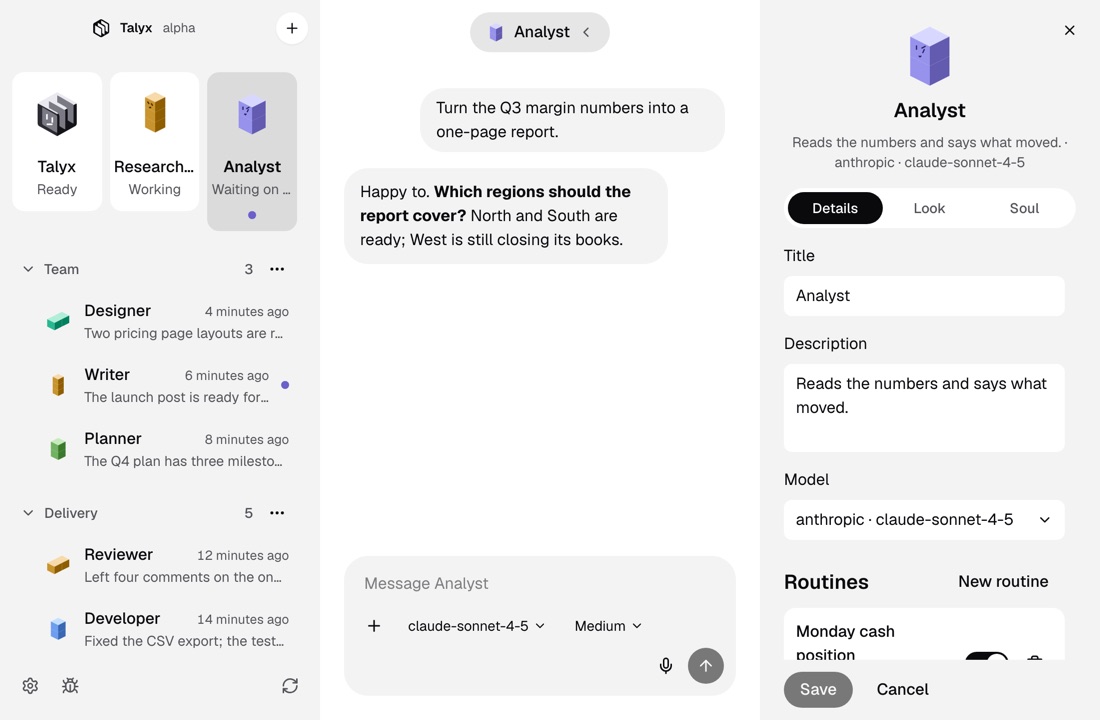
Three tabs
Say what it is for.
On the Details tab, set the bot’s title, a one-line description of what it is for, and the model it uses. Its routines are listed below.
Give it a look.
On the Look tab, pick one of six block shapes and a color, or let the bot’s name choose both. Turn on a face if you want one.
Write its SOUL.
On the Soul tab, edit the bot’s SOUL.md: a few lines, in your words, on who the bot is and how it works.
Good to know
A yes before costly models
Some models need your yes before a bot switches to them. Talyx asks first, and you can keep the current model.
Talyx keeps its logo
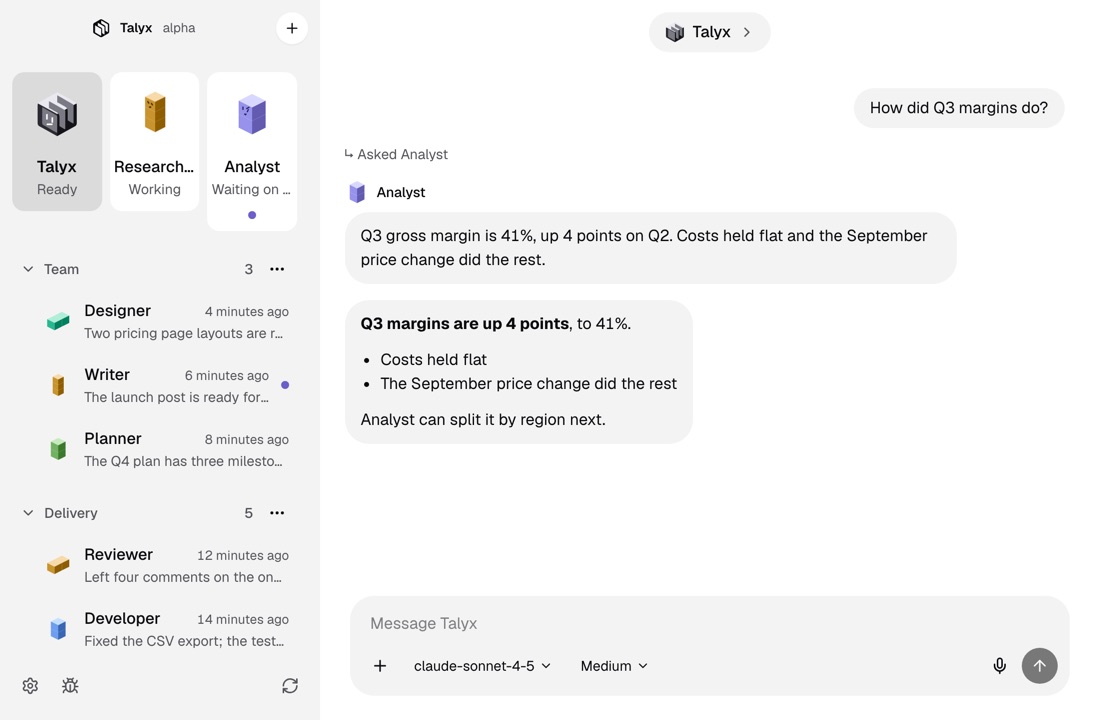
The manager’s look is always the Talyx logo in black and white, so you can find it at a glance.
New bots start small
A new bot needs only a name, a folder, what it does and a look. Fill in the rest here when you are ready.
More of Talyx
DownloadTalyx.
Free and open source under MIT. No account and no card.
- A computer
- A Mac with macOS 13 or newer, or Linux x64.
- The engine
- First-run setup installs it, for your user only.
- A model
- An API key or a sign-in with your provider account.
Version 1.0.0. Not sure which Mac you have? Apple menu, About This Mac: it shows Chip for Apple Silicon or Processor for Intel. Windows comes later.
Builds are not signed. On a Mac, open Talyx once, then click Open Anyway in System Settings, Privacy & Security, or run xattr -dr com.apple.quarantine /Applications/Talyx.app. On Linux, run chmod +x Talyx-x86_64.AppImage, or install the deb with sudo apt install ./Talyx-amd64.deb.