Where your chats go.
Your chats pass from Talyx to the engine on your computer, and from there to the model provider each bot uses, under that provider’s terms. A bot’s tools can reach other services too. Talyx has no server and sends your chats nowhere else.
- 0
- Talyx servers or accounts. There is nothing to sign up for, and the app collects no telemetry.
- 1
- source for everything the app downloads itself: GitHub. That is a check for a newer release, an installer and its SHA256SUMS when you click Download, and the engine’s install steps during setup or an engine update. Those steps then download the engine.
- 2
- checks before anything runs. The installer must match the release’s SHA256SUMS, and the install steps must match a hash built into Talyx.
- 1
- place your keys and sign-ins live: the engine on your computer. Talyx hands them over and keeps no copy.
Where it goes
Your chats
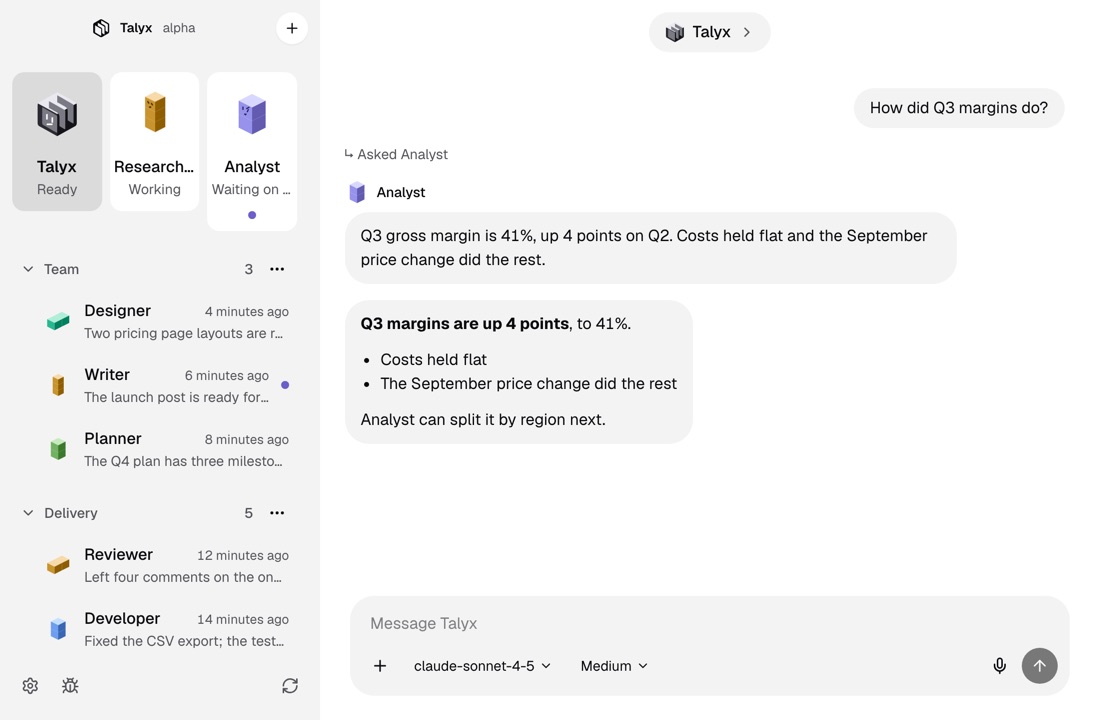
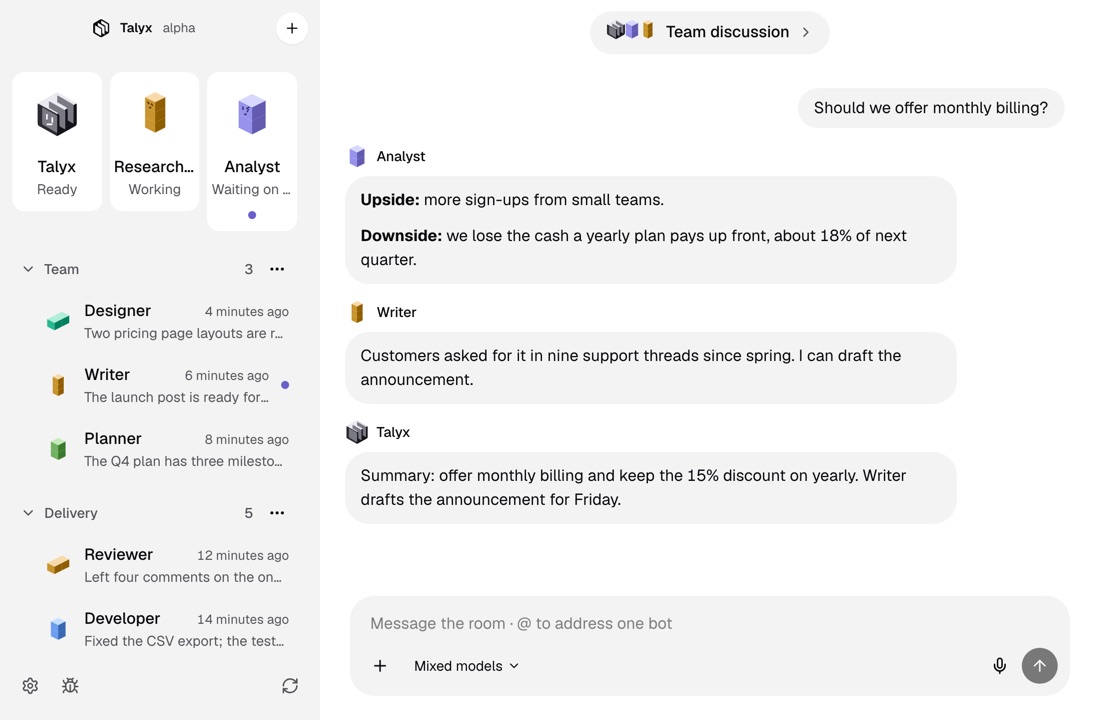
Each bot sends its conversation, with any images you add, to the model provider it uses. You choose the provider in Settings.
A bot’s tools
Web search, a command the bot runs and its other tools can reach other services. Some ask for your approval first, in a card in the chat.
Your keys and sign-ins
The engine stores them on your computer. Talyx hands them over when you add a provider and keeps no copy.
Release checks and downloads
Talyx asks GitHub whether a newer release exists. When you click Download, it fetches the installer and checks it against the release’s SHA256SUMS before opening it.
This website
This website counts page views and download clicks with PostHog, hosted in the EU, and measures page speed with Vercel Speed Insights, both without cookies. The app counts nothing.
What you can check
No account
There is nothing to sign up for. Download Talyx, open it and add a bot.
No telemetry
The app collects no usage data and sends no crash reports. The engine has its own anonymous usage metrics. They are off by default, and Talyx never turns them on.
Open source
Every line of Talyx is on GitHub under the MIT licence, so each claim on this page can be checked.
More of Talyx

DownloadTalyx.
Free and open source under MIT. No account and no card.
- A computer
- A Mac with macOS 13 or newer, or Linux x64.
- The engine
- First-run setup installs it, for your user only.
- A model
- An API key or a sign-in with your provider account.
Version 1.0.0. Not sure which Mac you have? Apple menu, About This Mac: it shows Chip for Apple Silicon or Processor for Intel. Windows comes later.
Builds are not signed. On a Mac, open Talyx once, then click Open Anyway in System Settings, Privacy & Security, or run xattr -dr com.apple.quarantine /Applications/Talyx.app. On Linux, run chmod +x Talyx-x86_64.AppImage, or install the deb with sudo apt install ./Talyx-amd64.deb.