Every bot in one list.
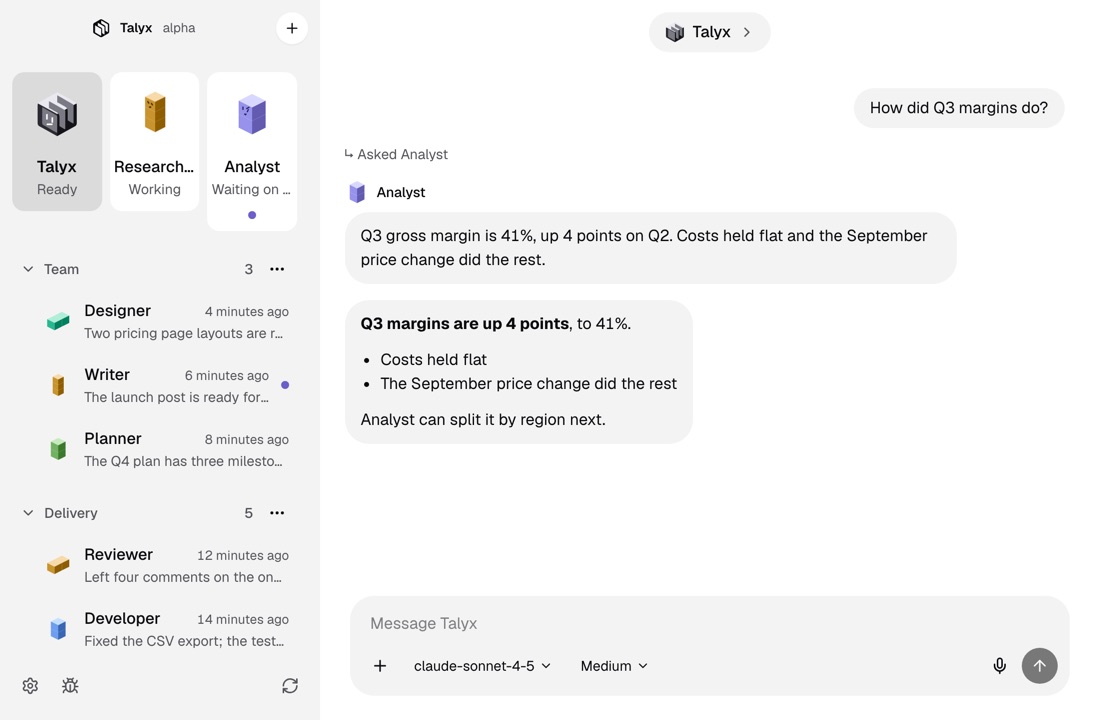
The roster runs down the left side of Talyx. Pins keep the bots you use most on top, folders hold the rest, and each bot shows whether it is working, waiting on you or has a reply you have not read.

How it works
Pin the ones you use most.
Pinned bots sit as tiles at the top of the roster. Move a pin earlier or later to set their order.
File the rest in folders.
Make a folder for each project and drag bots and rooms into it. A folder can hold other folders, and it shows how many bots are inside.
Read the marks.
Each row shows the bot’s last message and how long ago it came. Its mark says Working, Waiting on you or Unread reply, so you can see who needs you without opening a chat.
More in the roster
A block for each bot
Every bot is an isometric block avatar. Choose one of six shapes and a color, or let the bot’s name choose, and give it a face if you like. Talyx is always the logo.
A new bot from the +
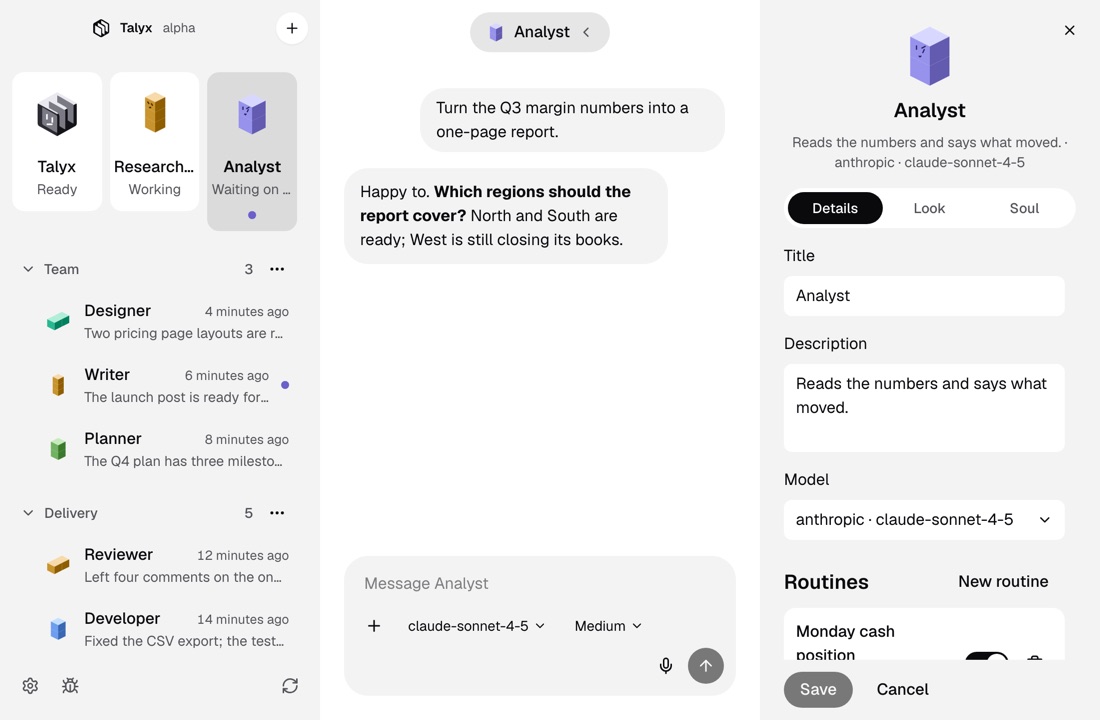
Click + at the top of the roster, then name the bot, pick its folder, say what it does and choose its look. Its SOUL and routines come after, from its details.
Rooms sit beside your bots
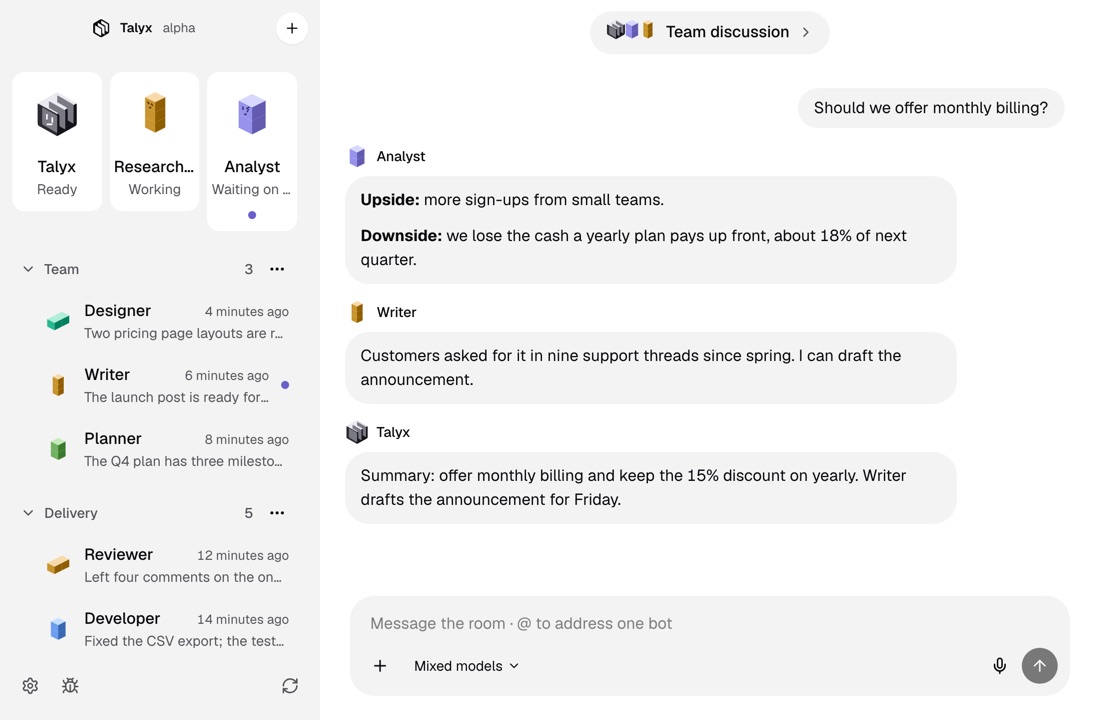
Group rooms are in the same list. Pin them and file them in folders the same way you do bots.
Delete a folder, keep its bots
When you delete a folder, its bots and rooms move up a level. No bot or room is deleted with it.
More of Talyx
DownloadTalyx.
Free and open source under MIT. No account and no card.
- A computer
- A Mac with macOS 13 or newer, or Linux x64.
- The engine
- First-run setup installs it, for your user only.
- A model
- An API key or a sign-in with your provider account.
Version 1.0.0. Not sure which Mac you have? Apple menu, About This Mac: it shows Chip for Apple Silicon or Processor for Intel. Windows comes later.
Builds are not signed. On a Mac, open Talyx once, then click Open Anyway in System Settings, Privacy & Security, or run xattr -dr com.apple.quarantine /Applications/Talyx.app. On Linux, run chmod +x Talyx-x86_64.AppImage, or install the deb with sudo apt install ./Talyx-amd64.deb.